Start with a clear source
Upload a JPG, PNG, or WEBP under 10 MB. Keep the subject and important edges visible.
 ImageRework
 Use the live editor to explore a wardrobe direction. This page remains outside the sitemap until dedicated, reviewed clothing examples are ready.
JPG, PNG or WEBP · up to 10 MB
Say what to change and what to keep.
Charged only after a result is saved. Failed edits use 0 credits.
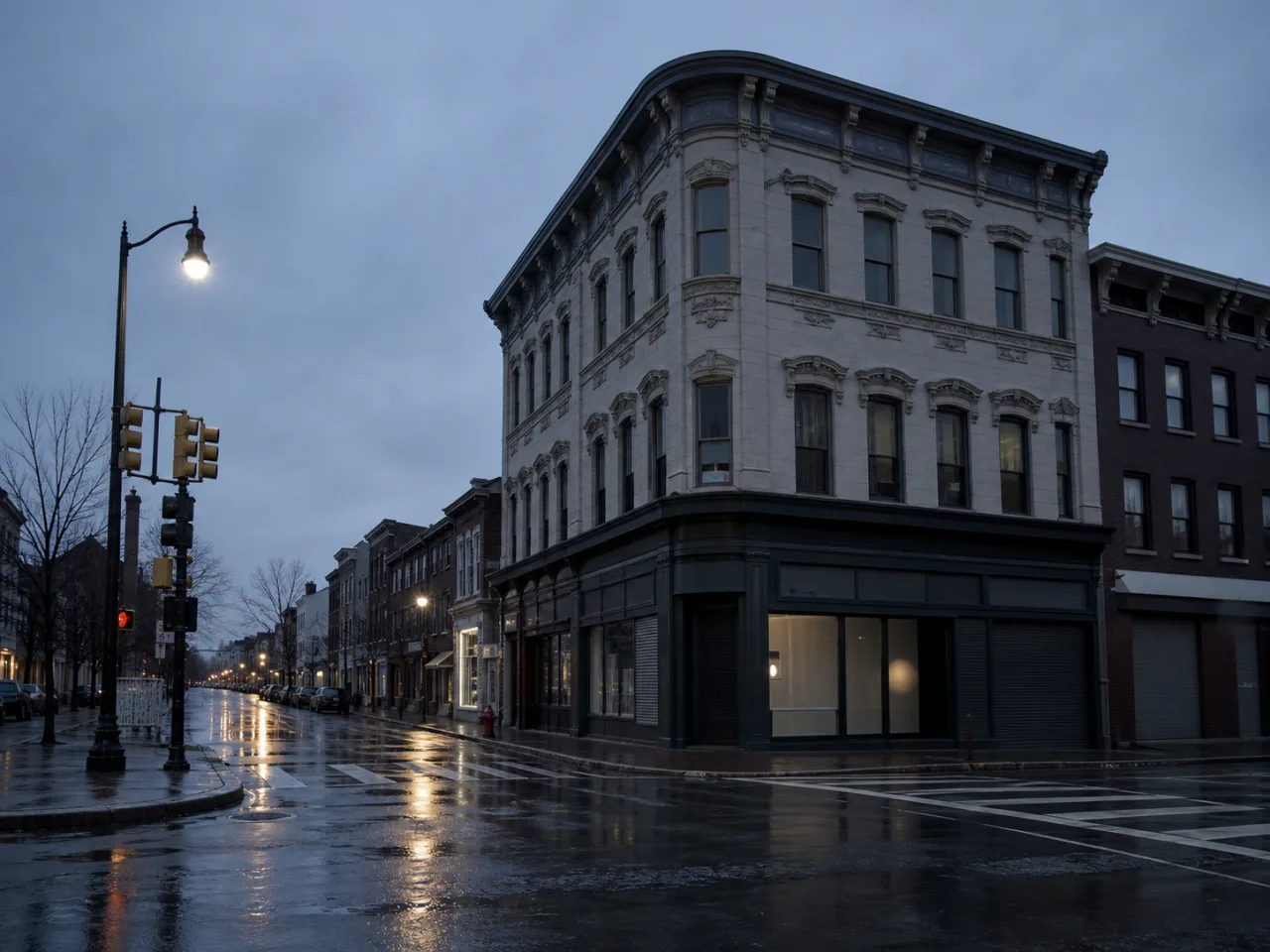
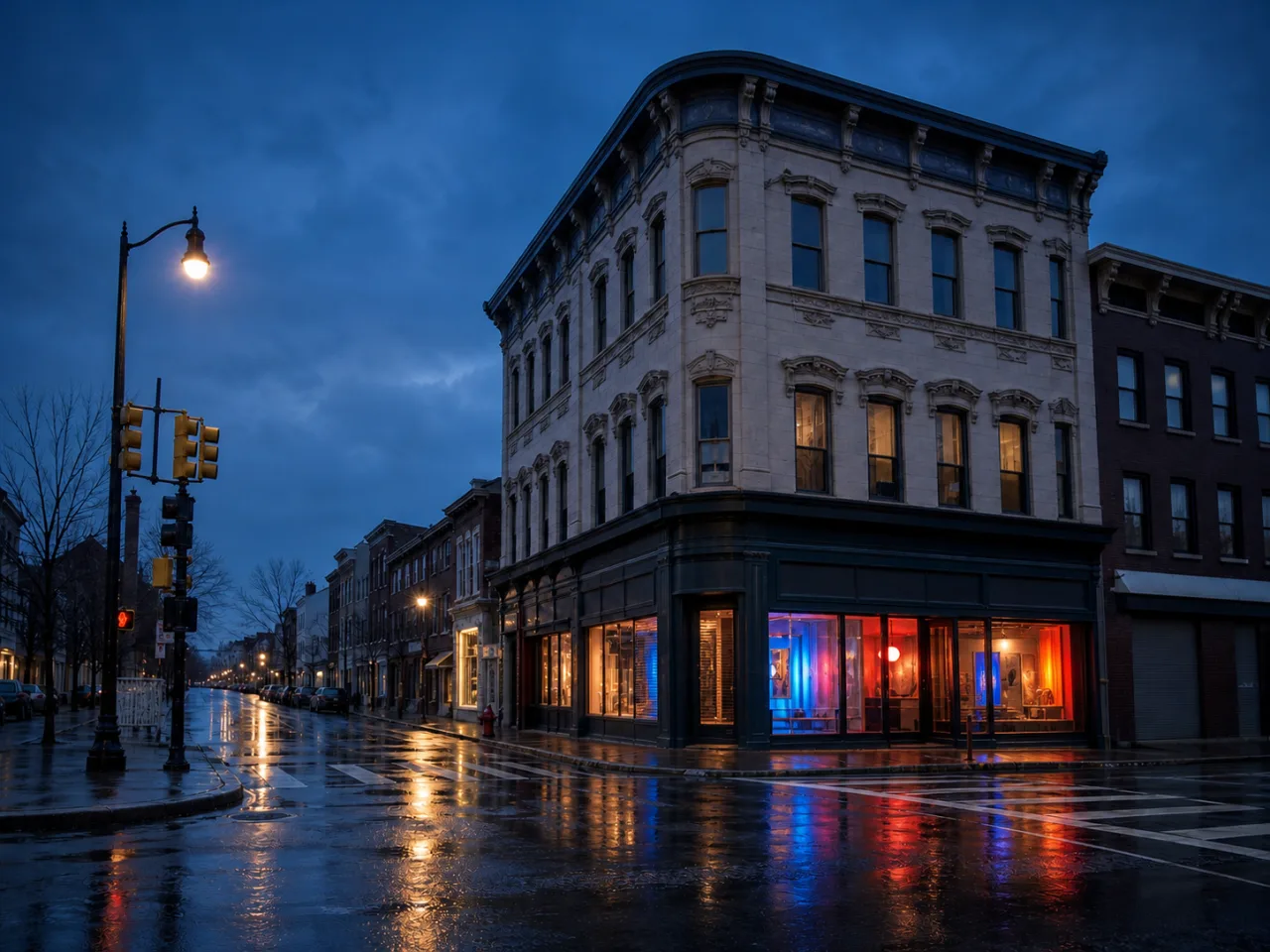
Demo prompt Open the corner shop with cobalt, coral, and amber light. Keep the building and camera angle.
The workflow above is usable now. Dedicated examples are still under review, so this page is intentionally excluded from search indexing and the sitemap.
Upload a JPG, PNG, or WEBP under 10 MB. Keep the subject and important edges visible.
Say what should change, then list the face, pose, product, text, or composition that should stay.
Compare before and after. Mark up to five areas for a more focused follow-up version.
Explore broad silhouettes and color combinations before a shoot.
Test how one portrait feels in a more formal or casual wardrobe.
Mark collars, sleeves, or accessories when a first result needs a more specific instruction.
Tailored navy business outfit
Minimal cream evening outfit
Casual denim jacket
Black formal suit
Colorful streetwear layers
Keep accessories unchanged
Yes. Say that the shirt is the only item to change and name the trousers, accessories, pose, and background as elements to preserve.
Yes. Mark that area after the first result and give it a specific instruction.
No. It is an AI concept image and should not be used for measurements or purchasing decisions.