Start with a clear source
Upload a JPG, PNG, or WEBP under 10 MB. Keep the subject and important edges visible.
 ImageRework
 Tell ImageRework exactly which object should disappear and what should continue behind it. This page remains outside the sitemap until dedicated removal examples pass review.
JPG, PNG or WEBP · up to 10 MB
Say what to change and what to keep.
Charged only after a result is saved. Failed edits use 0 credits.
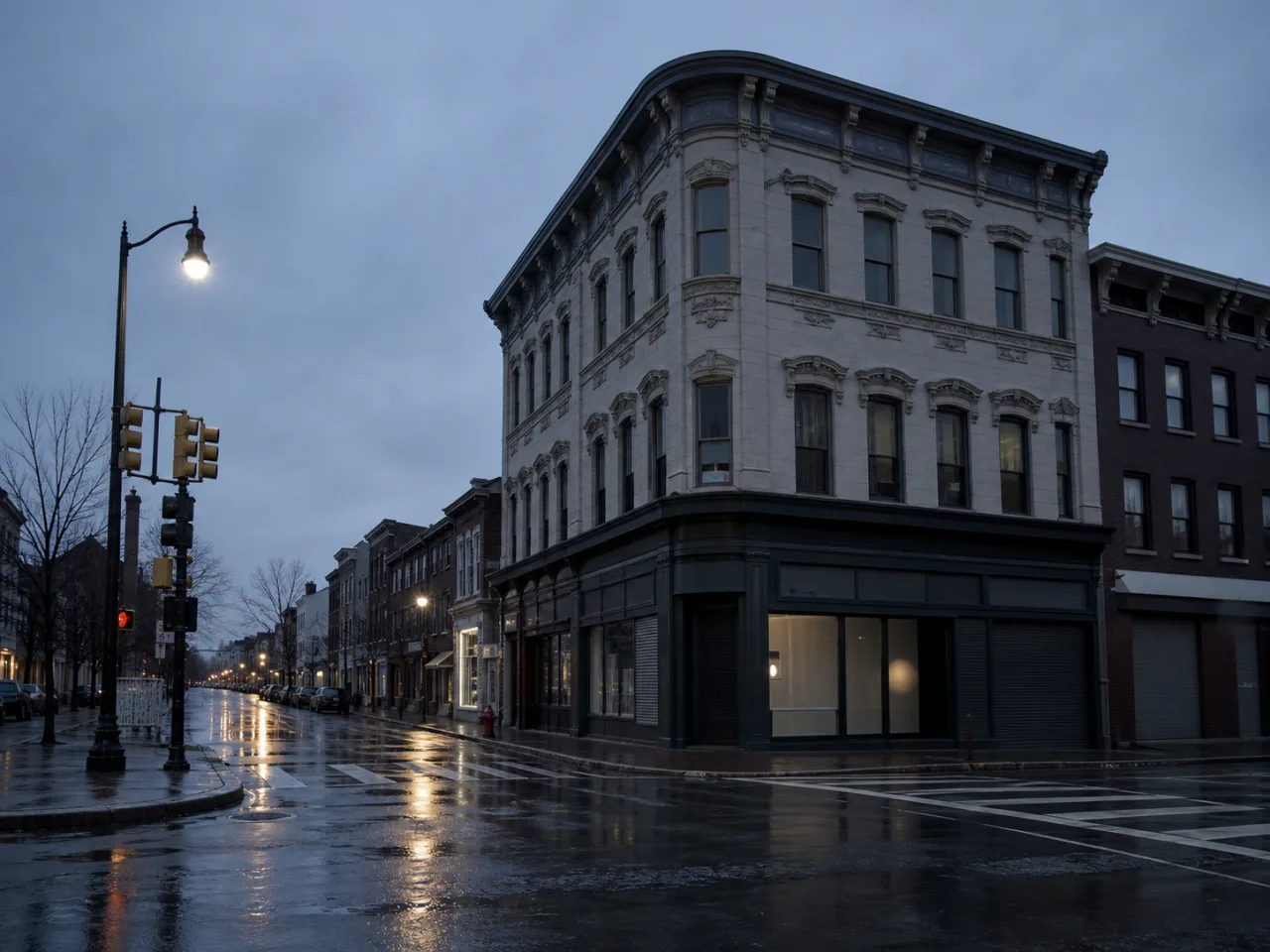
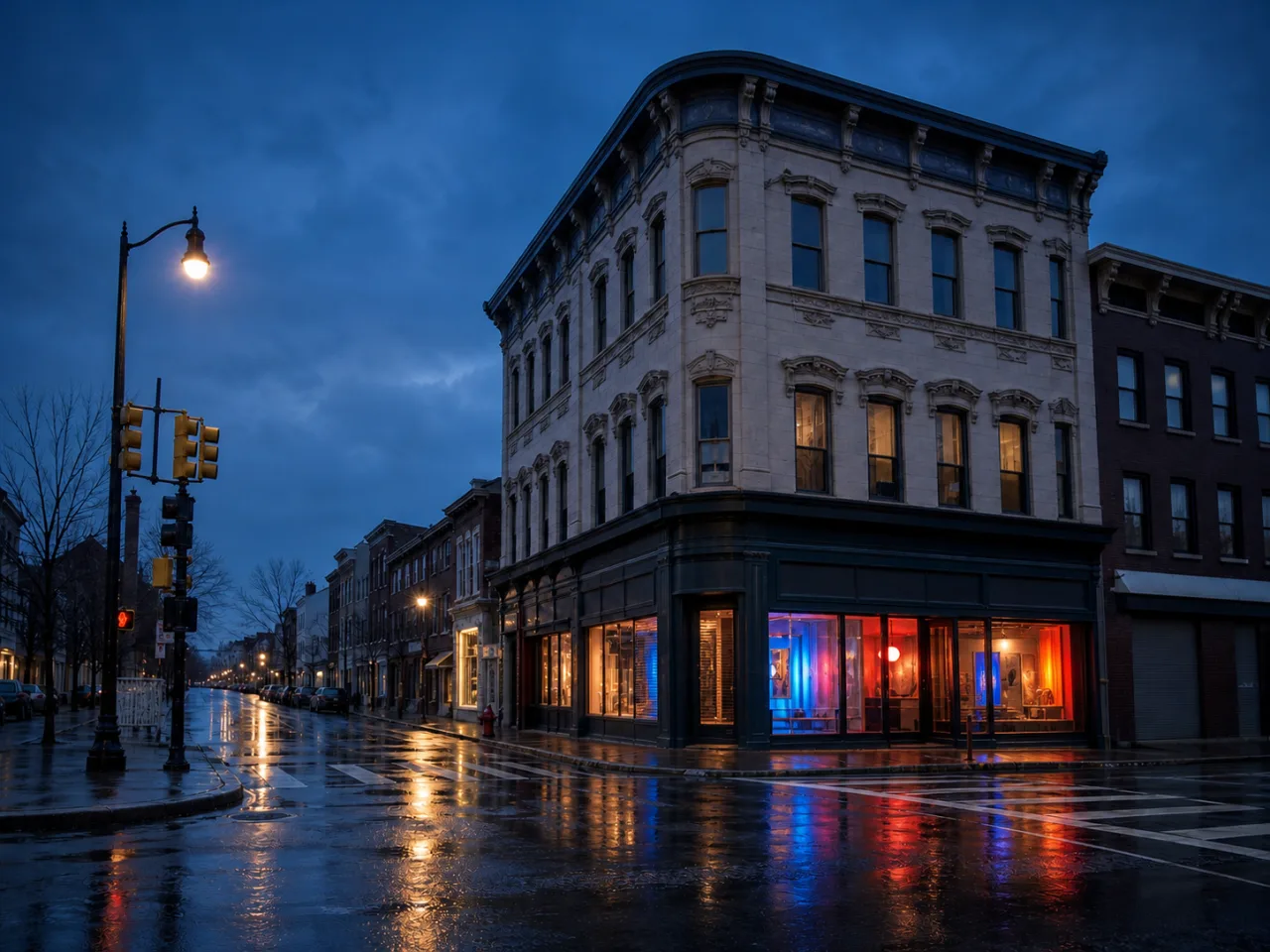
Demo prompt Open the corner shop with cobalt, coral, and amber light. Keep the building and camera angle.
The workflow above is usable now. Dedicated examples are still under review, so this page is intentionally excluded from search indexing and the sitemap.
Upload a JPG, PNG, or WEBP under 10 MB. Keep the subject and important edges visible.
Say what should change, then list the face, pose, product, text, or composition that should stay.
Compare before and after. Mark up to five areas for a more focused follow-up version.
Remove a distracting person, sign, cable, or piece of clutter.
Clear an irrelevant prop while preserving product edges and labels.
Mark the exact area when the model needs a clearer location cue.
Remove the person in the background
Remove the cable on the floor
Remove the sign and rebuild the wall
Remove table clutter
Remove the reflection
Keep the main subject unchanged
Describe its type and location, such as ‘the red sign in the upper-left corner,’ then mark that area if needed.
The model infers a plausible continuation from nearby texture, light, and structure.
No. Hidden content cannot be recovered exactly; it is generated from context.